

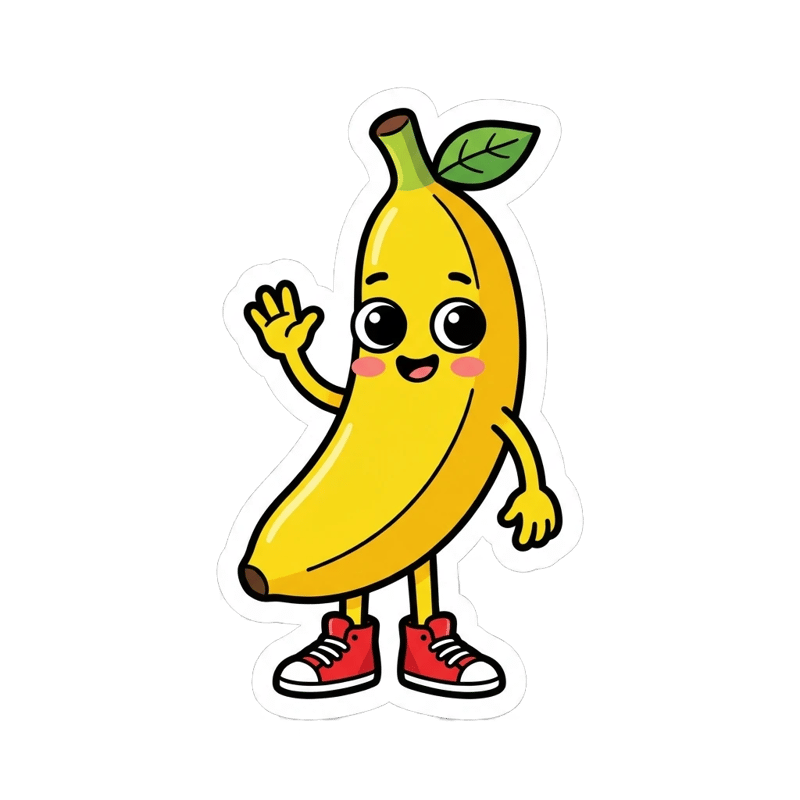
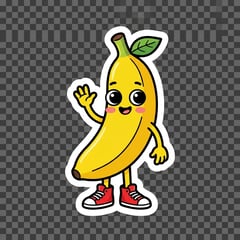
The fake checkerboard is removed with the rest of the background; the banana and its white sticker border stay. Took 8 seconds.
 Nano Banana Pro
Nano Banana paints a grey-and-white checkerboard when you ask for transparency; it has no real transparent layer. Upload the image here and get a true transparent PNG in a few seconds. Sign up and try it free.
No. Nano Banana Pro returns pictures with a solid background and has no setting for an alpha channel; Nano Banana and Nano Banana 2 are image models of the same kind. When you write "transparent background" in the prompt, the model does what it has seen in pictures of transparent images: it draws the checkerboard pattern that editing apps use to show transparency. We asked Nano Banana Pro for a banana sticker on a transparent background; the checkerboard came back painted into the pixels, and every pixel of the file was fully opaque.
So a Nano Banana transparent background is a two-step job: make the image as usual, then run it through a background remover, which finds the subject and writes a real transparent PNG around it. That is what the tool above does, and it works on any image, not only Nano Banana pictures.
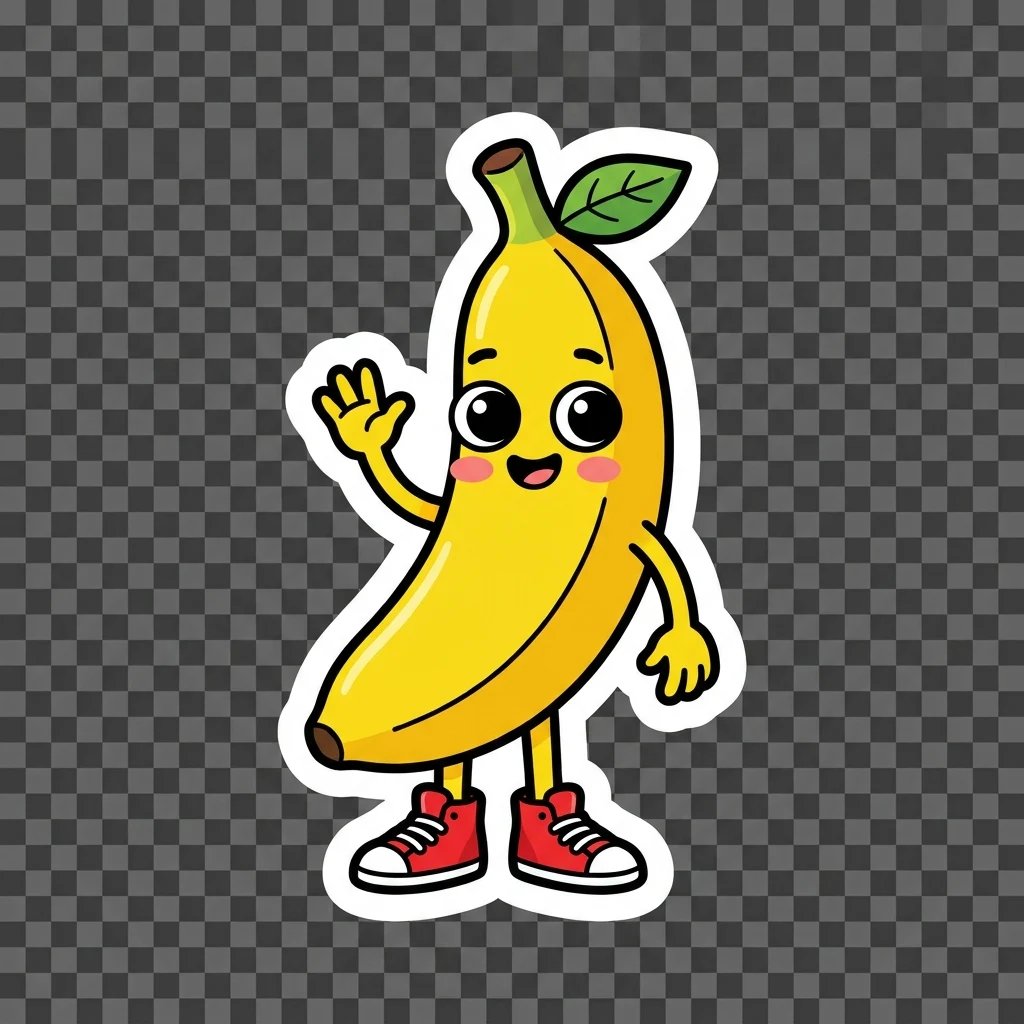
Three Nano Banana Pro stickers made with different background prompts, and a product photo from our homepage, run through the background remover.
The fake checkerboard is removed with the rest of the background; the banana and its white sticker border stay. Took 8 seconds.
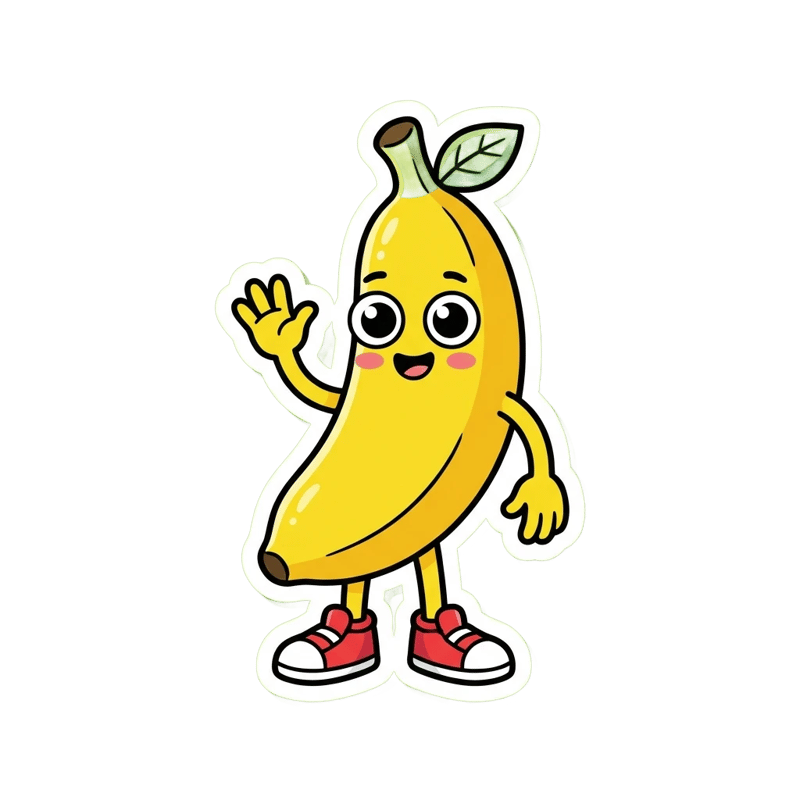
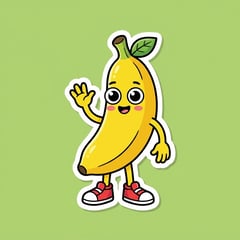
The background is gone, but the green leaf turned partly see-through with it, and the white border thinned in places: the remover could not tell the leaf from the background.
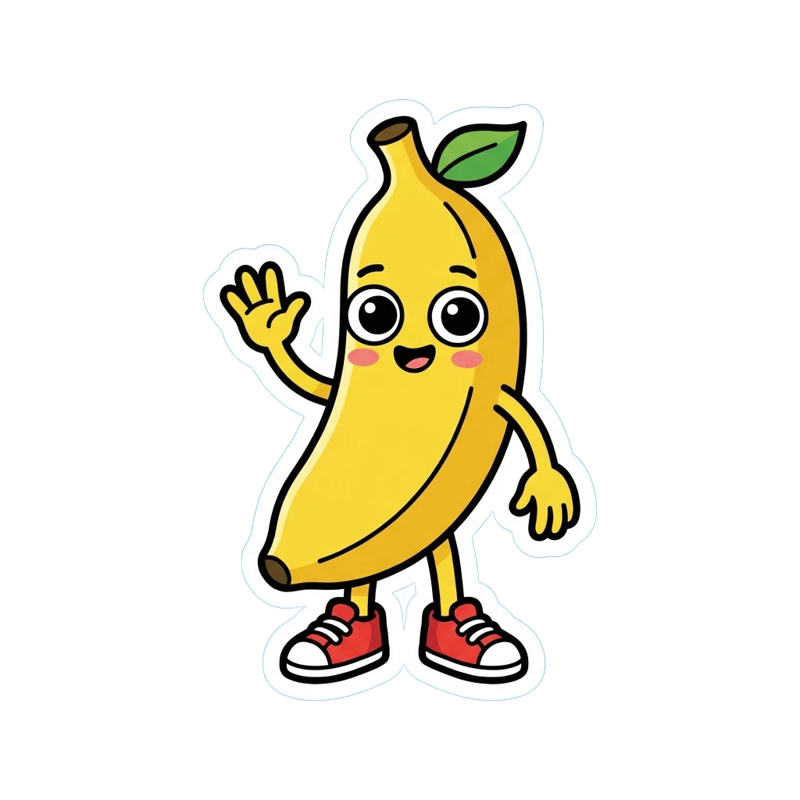

A clean cut-out: the leaf, the red sneakers and the white border are all kept.
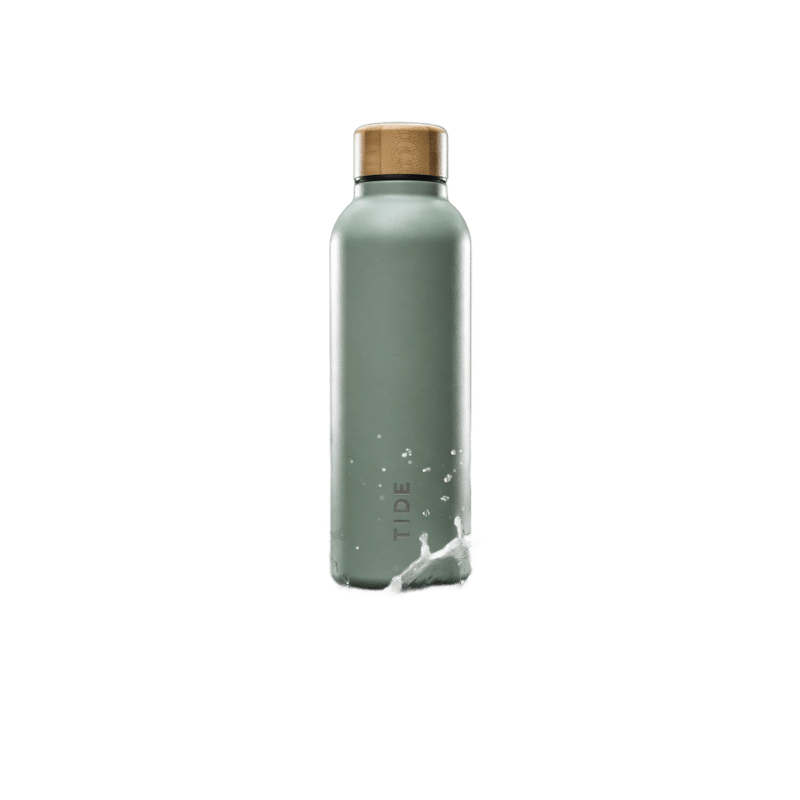
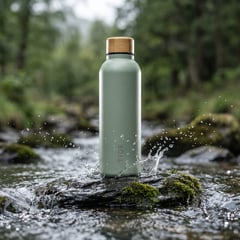
The bottle from our homepage, cut out of its stream. The rock and water are removed; a few specks of splash on the bottle stay, so a product shot with water flying around it may need a quick touch-up.
Drop in a picture from Nano Banana, Gemini or anywhere else. No picture yet? Make one with Nano Banana Pro on the homepage first.
Transparent gives a PNG with no background; white puts the subject on plain white, for marketplaces that ask for it.
The result is ready in a few seconds and saved to your library.
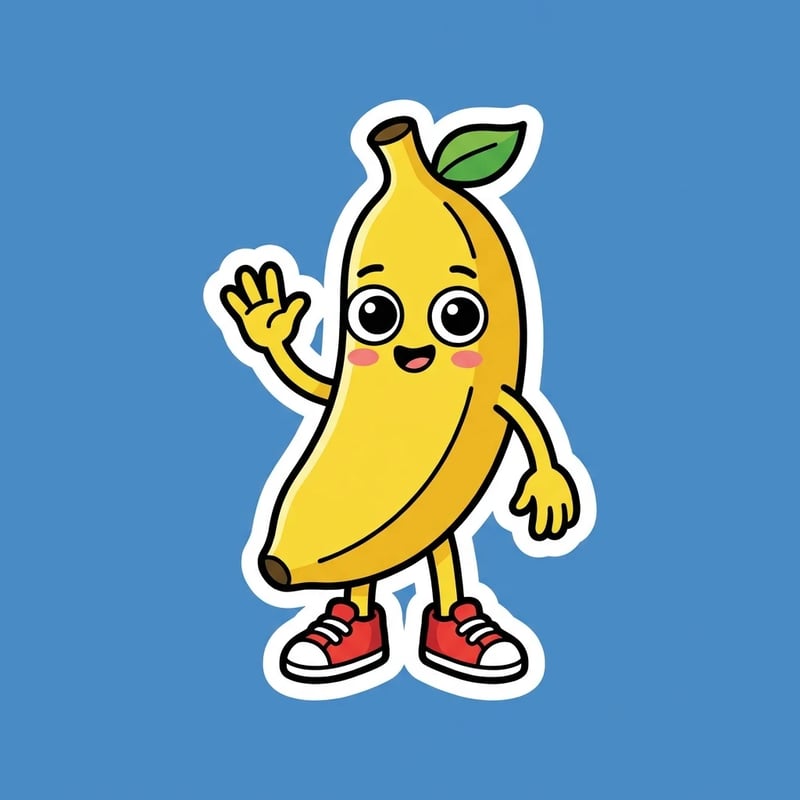
If you are making the picture to cut out, do not ask Nano Banana for transparency. Ask for a plain, solid background in a colour that appears nowhere in the subject, with nothing else in the picture and no shadow on the background. The colour matters: on green, the leaf turned partly see-through with the background; on blue, the same sticker came out whole. A plain background also saves the remover from guessing where a painted checkerboard ends. For a yellow banana with a green leaf, blue worked; for a blue product, pick a warm colour.
Prompt we used: "A sticker of a cheerful cartoon banana character with big round eyes, rosy cheeks and a tiny green leaf on its head, waving with one hand and wearing red sneakers. Bold black outlines, flat bright colours, thick white sticker border. Plain solid medium blue background, nothing else in the picture, no shadow on the background."
Each cut-out costs 1 credit. New accounts get 20 free credits when they sign up, so you can try it without paying. Cut-outs carry no watermark.
Because it has learned what transparent images look like in editing apps, not how to save one. The checkerboard is painted into the picture, so it stays there when you open the file anywhere else.
Clear edges, like stickers and bottles, cut cleanly. Fine hair, fur and glass are harder for any remover: check the edges at full size, and make the picture on a plain background that contrasts with the hair. For glass or wispy hair, a more involved route is to render the same picture twice, on pure white and on pure black, and work out the transparency from the difference in an image editor; it keeps see-through edges but takes two runs.
Yes. Choose White before you run it, and the subject comes back on plain white instead of transparency.