
Nano Banana Pro

Nano Banana prompts

Every prompt below ran on Nano Banana Pro here, and the picture with it is what it made. Pick one, press Use this prompt, and change the parts you want.

Tested on Nano Banana Pro

12 Nano Banana Pro prompts and what they make

Each ran once at 1K on November 14, 2026, and each picture is the first result. Where the model drifted from the prompt, the note says so. Two of the twelve edit a photo; they are further down.

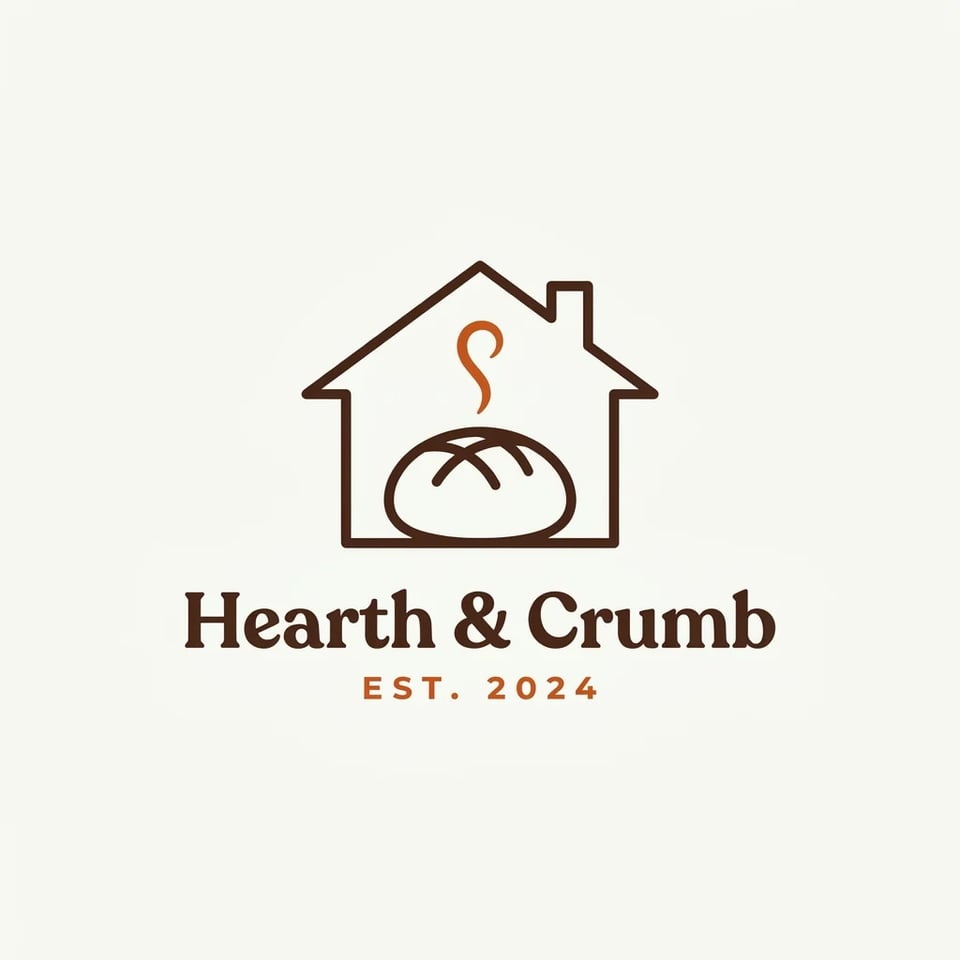
Flat logo of a round loaf inside a house outline with a curl of steam, the name Hearth & Crumb and EST. 2024 in burnt orange and brown
Result · a clean two-colour mark, name spelled right

Logos and design: a bakery logo

  • 1:1
  • Size 1K
  • Time 24 seconds

Prompt

A minimal flat vector logo for a small neighbourhood bakery called "Hearth & Crumb". The mark is a simple line drawing of a round loaf of bread sitting inside a house-shaped outline, with a thin curl of steam rising from the loaf. Under the mark, the name "Hearth & Crumb" in a warm, slightly rounded serif typeface, and below it "EST. 2024" in small, widely spaced capitals. Only two colours: burnt orange and dark chocolate brown, on a plain off-white background. Centred, generous empty space around it, no mockup, no gradients, no shadows.

Prompt guide

Nano Banana Pro prompt guide: 5 rules that make prompts work

The prompts here follow one order: what the picture is, how it looks, the exact words, the layout and count, and, for edits, what must not change. These Nano Banana Pro best practices come from what worked and what drifted in those twelve runs. Copy the template, replace each bracket with your own details, and paste it into the generator.

Prompt template

1A ___ of ___, in/on ___. 2Style: ___; colours: ___; light: ___. 3Text: "___" at the top, "___" below it. 4Layout: ___; exactly ___ items. 5Keep ___ exactly as it is in the photo.

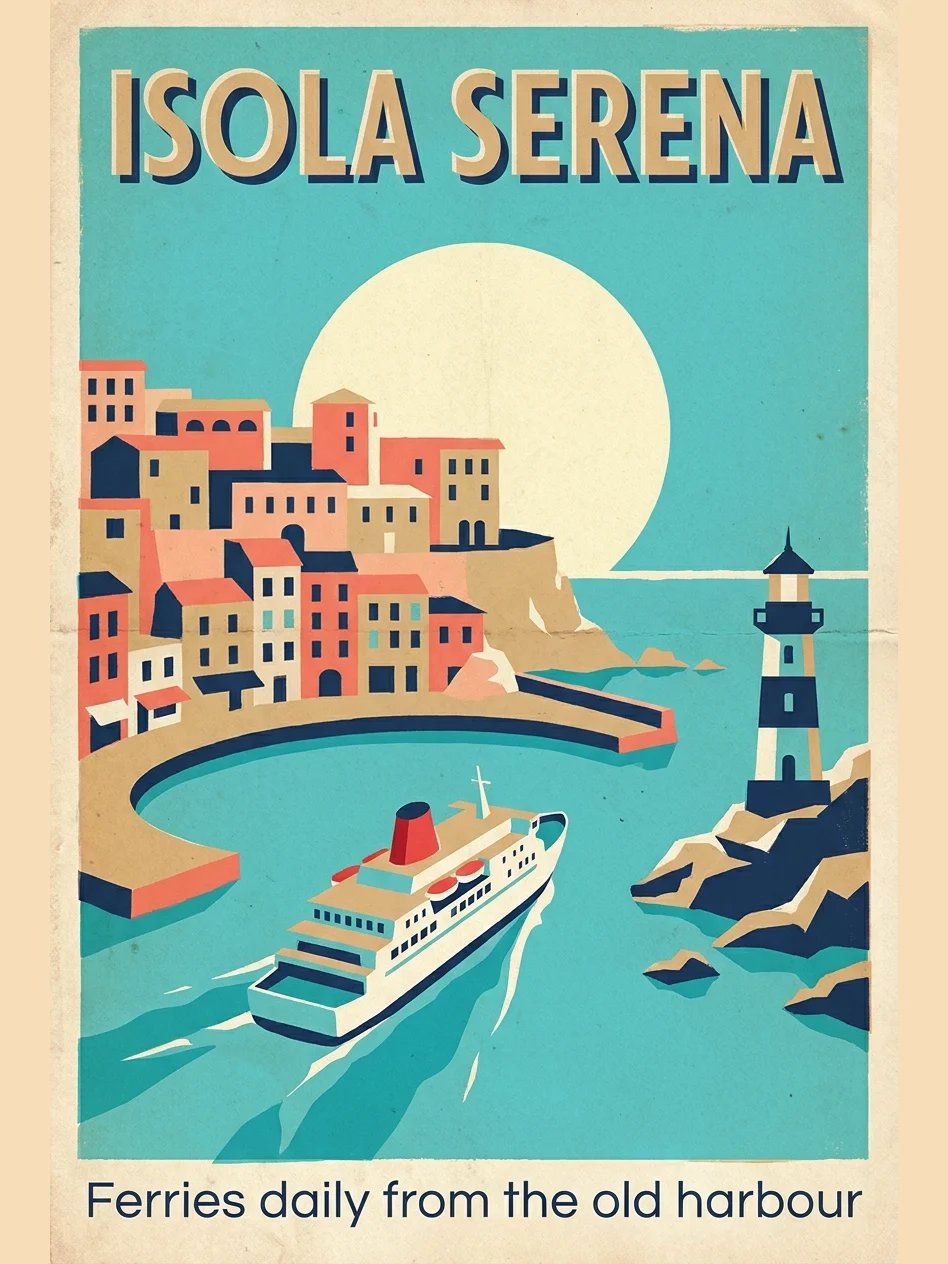
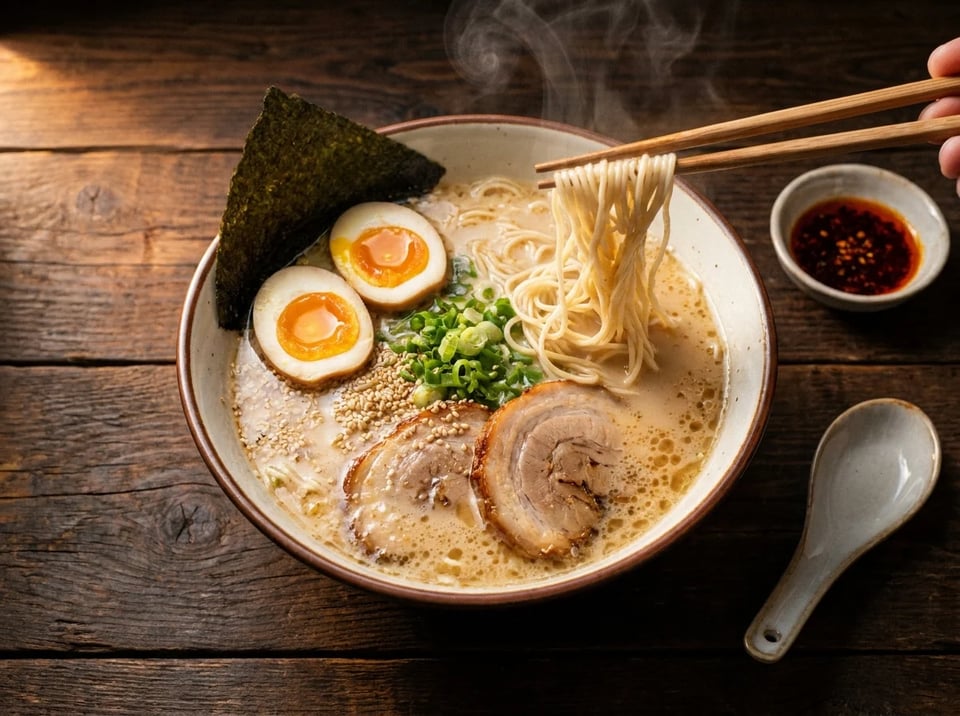
  1. Say what it is and where it is — Start with the kind of picture and the scene: "A vintage 1950s travel poster for a fictional Mediterranean island", "Overhead food photo of a bowl of tonkotsu ramen on a dark wooden table". Everything after that sentence refines it, so a clear first line keeps Nano Banana Pro from guessing.
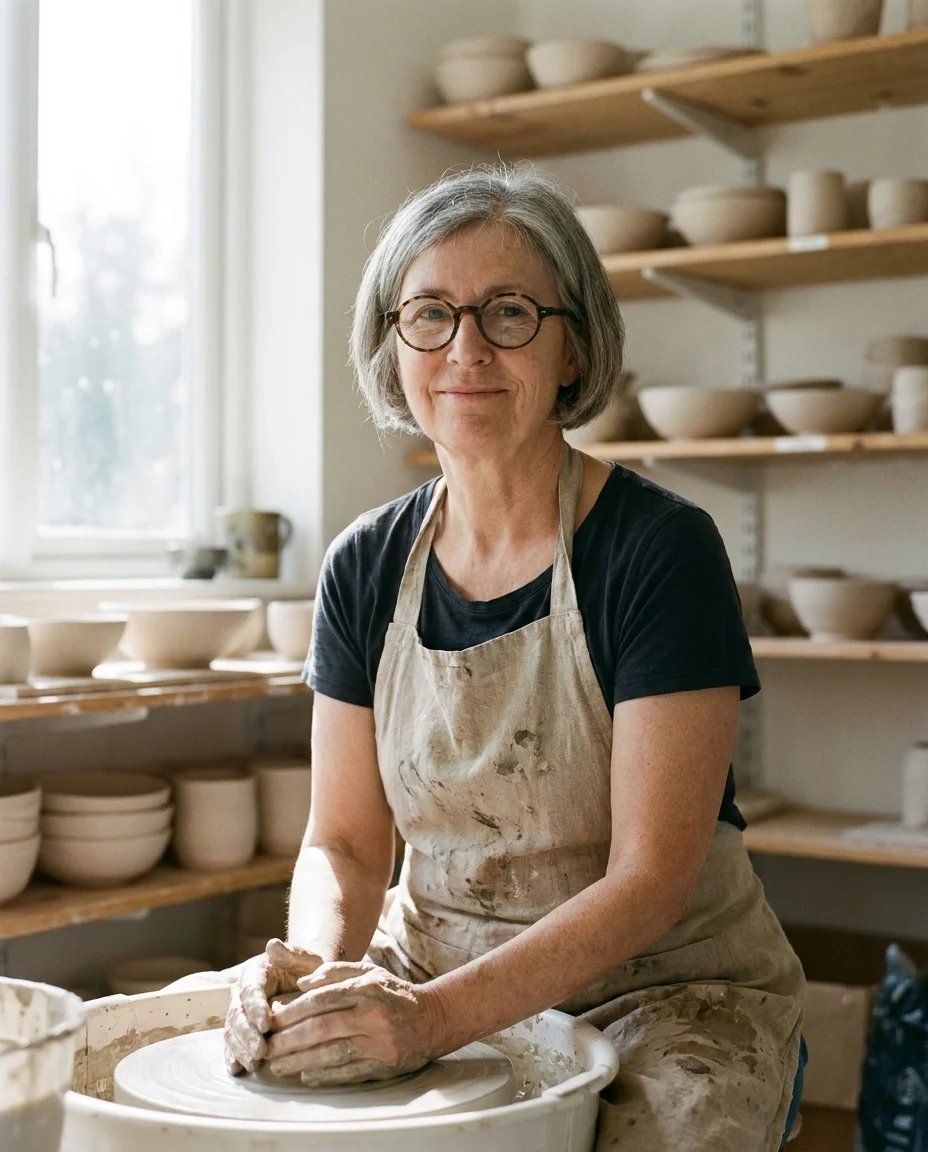
  2. Name the style, colours and light — "Flat screen-print style with limited colours: turquoise sea, coral, sand and navy" gave the poster its look; "soft window light from the left, shot on a 35mm lens at f/2" made the potter read as a photo. Name two or three colours, or a lens and a light direction, rather than words like "beautiful".
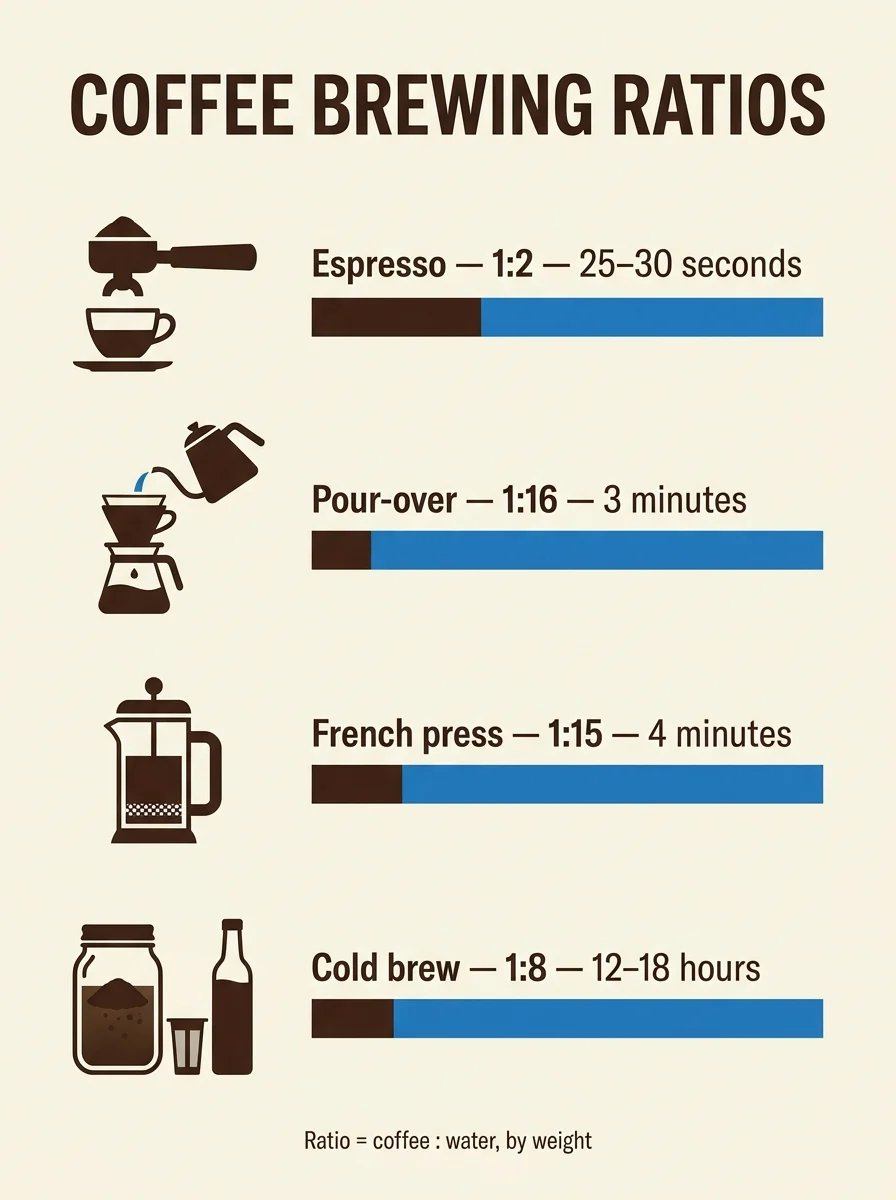
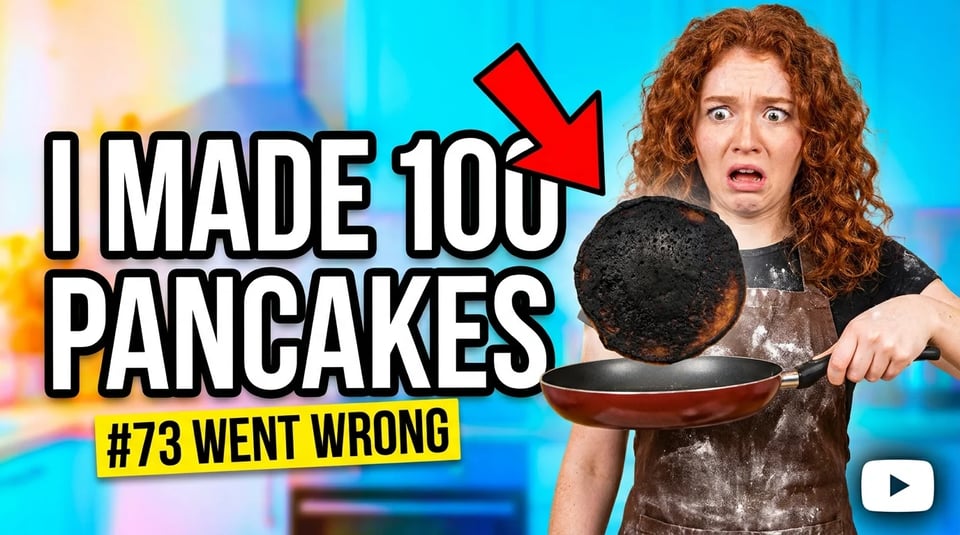
  3. Put every word in quotes — Nano Banana Pro spelled every quoted line on the poster, the logo and the coffee infographic correctly, down to "12–18 hours". Keep each line short and say where it goes. The thumbnail shows the catch: the red arrow landed on top of "100", so add "nothing covers the text" when words have to stay readable.
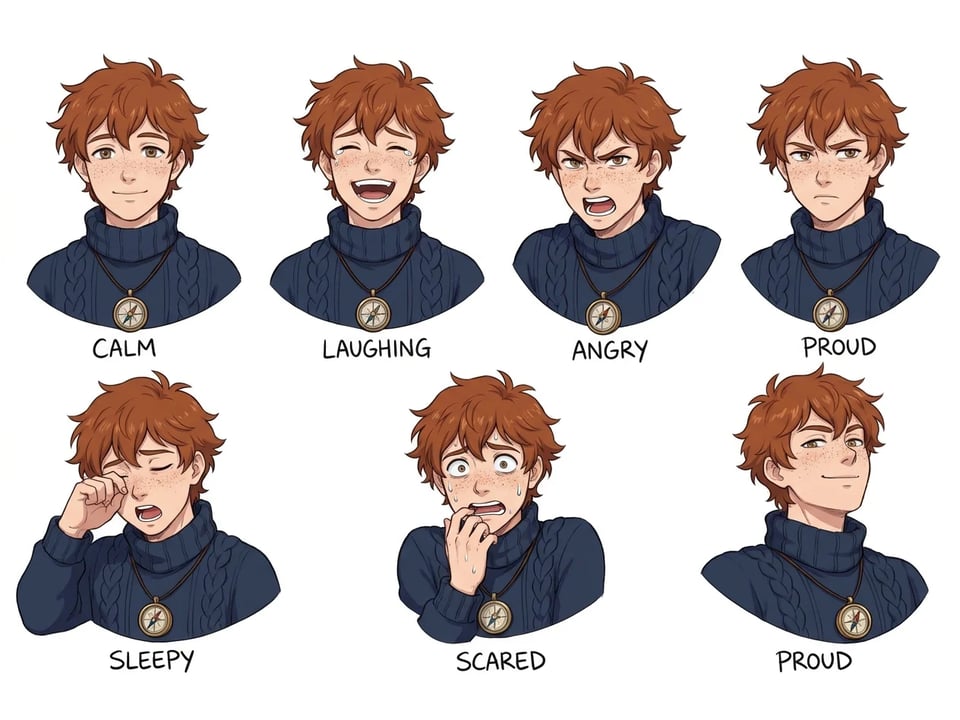
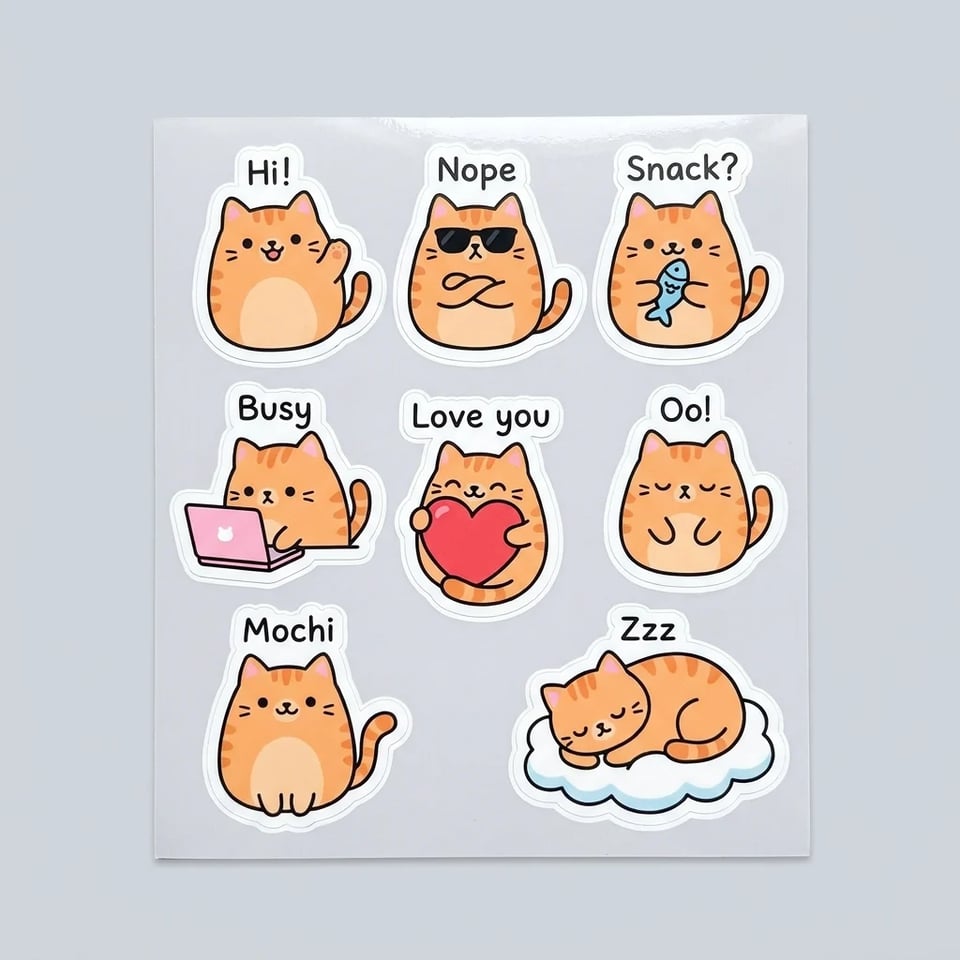
  4. Give the layout and the count, then check it — A grid, a number of panels or "four rows, one per method" sets the layout. Counts are where the model drifted most: the expression sheet drew seven portraits instead of six and the sticker sheet eight stickers instead of six. Count them before you use the result, and run it again if the number matters. Pick the shape in the generator too: the poster ran at 2:3, the thumbnail at 16:9 and the logo at 1:1.
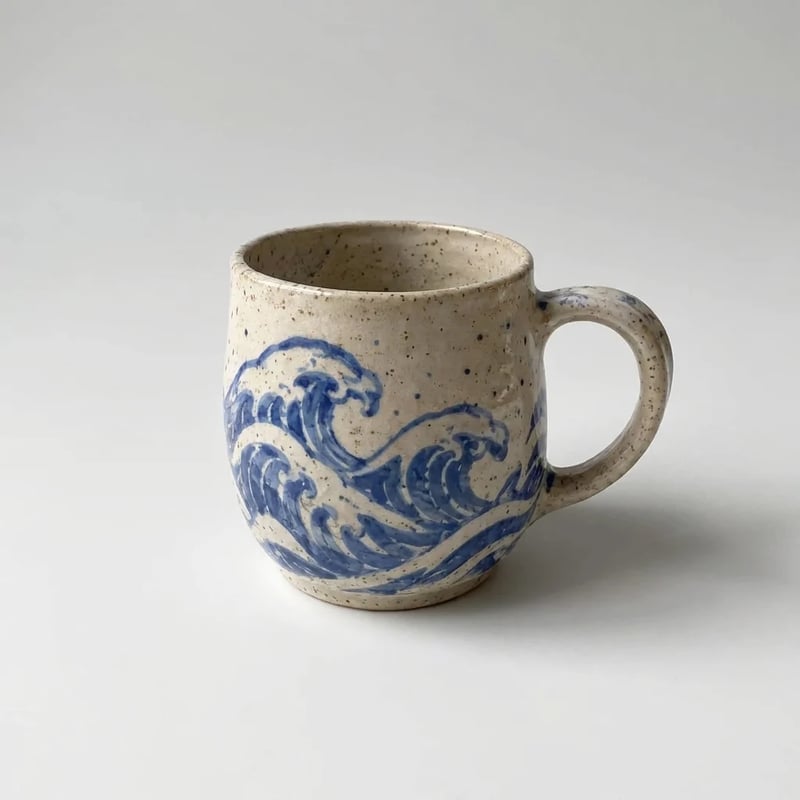
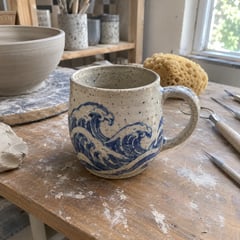
  5. For edits, say what must stay the same — When you upload a photo, name what to keep before what to change: "Keep the mug exactly as it is: the same shape, the speckled glaze and the hand-painted blue wave pattern." In both edits below, the parts named this way survived the change.

Prompts for editing your own photos

Two prompts that improve a photo you already have: one turns a cluttered snapshot into a clean listing photo, one changes the light and time of day. Upload your photo in the generator, paste the prompt and change the details. Both ran once on Nano Banana Pro at 1K, on photos we made for the homepage. To make the same photo sharper and bigger without changes, use the image upscaler.

The same mug on a seamless light grey background with a soft shadow, handle on the right
Phone photo of a speckled mug with a blue wave pattern on a cluttered pottery workbench
Your photo

Prompt: "Turn this workshop photo into a clean shop listing photo. Keep the mug exactly as it is: the same shape, the speckled glaze and the hand-painted blue wave pattern. Remove the workbench, tools and clay dust, and place the mug on a seamless light grey background with a soft natural shadow underneath. Even, bright studio lighting, the mug centred and slightly turned so the handle is on the right." Result after 35 seconds: the glaze and the painted waves match the original, and the bench and tools are gone.
Nano Banana prompt questions

Write your own Nano Banana Pro prompt

Start from the template above or a prompt you liked, and see the cost before you generate.