
Create cinematic clips with Nano Banana Pro AI Video Generator
Turn prompts and stills into short, shareable videos. Pick Veo 3.1 for polished production, or Grok Imagine for fast drafts—preview online and download when ready.
• Text to video
• Image to video
• Veo 3.1 & Grok Imagine
• Browser-ready, no install
Video Generator
See what you can create
These example videos were made with our AI models. Sign in to start generating your own.
Prompt
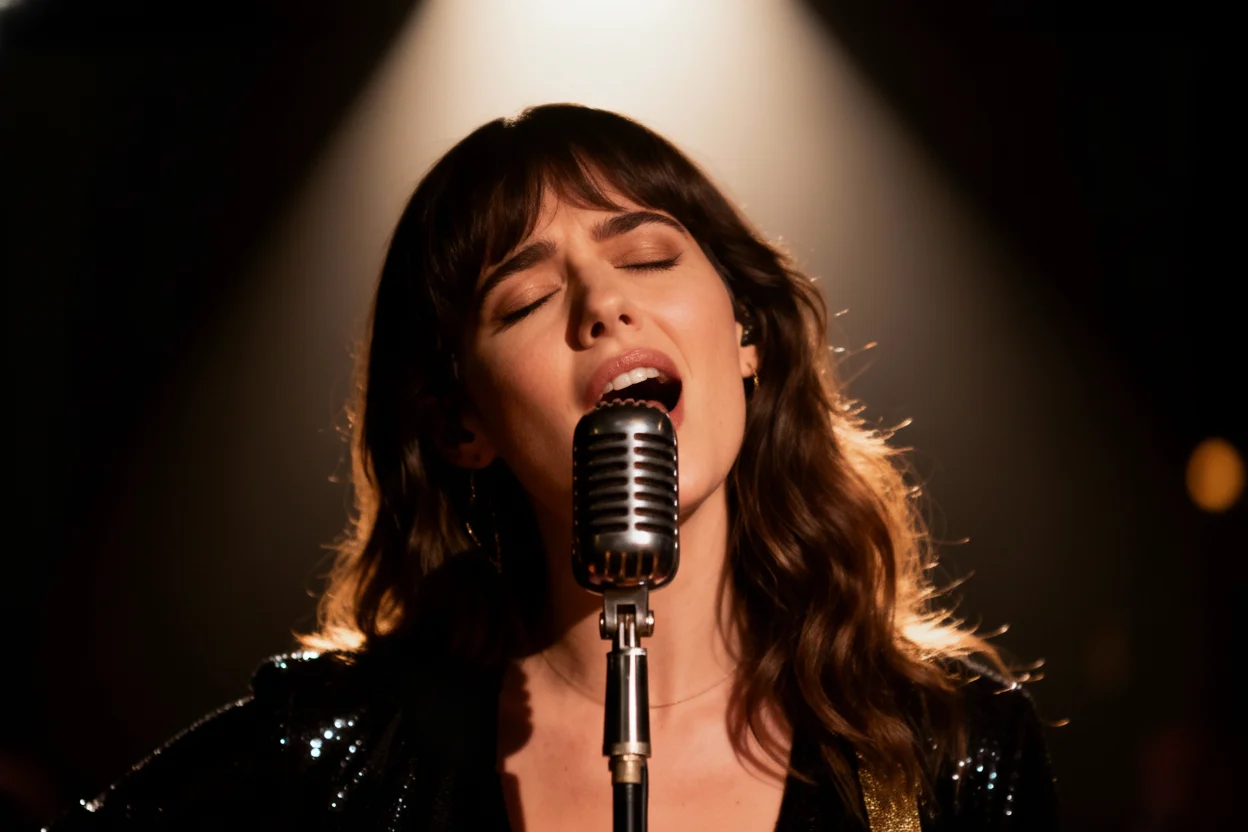
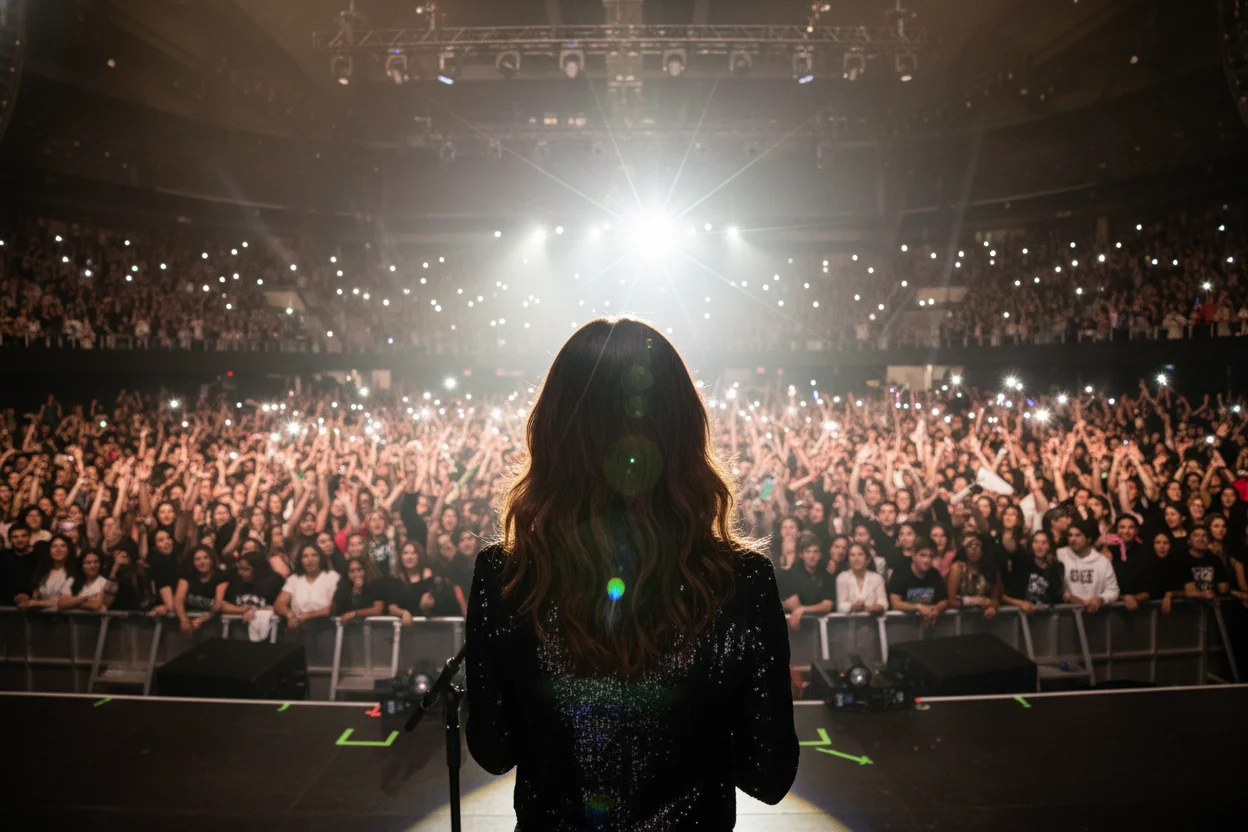
The camera performs a smooth 180-degree arc shot, starting with the front-facing view of the singer and circling around her to seamlessly end on the POV shot from behind her on stage. The singer sings “when you look me in the eyes, I can see a million stars.
Reference Image
Video Preview
Prompt
A keyboard whose keys are made of different types of candy. Typing makes sweet, crunchy sounds. Audio: Crunchy, sugary typing sounds, delighted giggles.
Video Preview
Nano Banana Pro AI Video Generator sample gallery
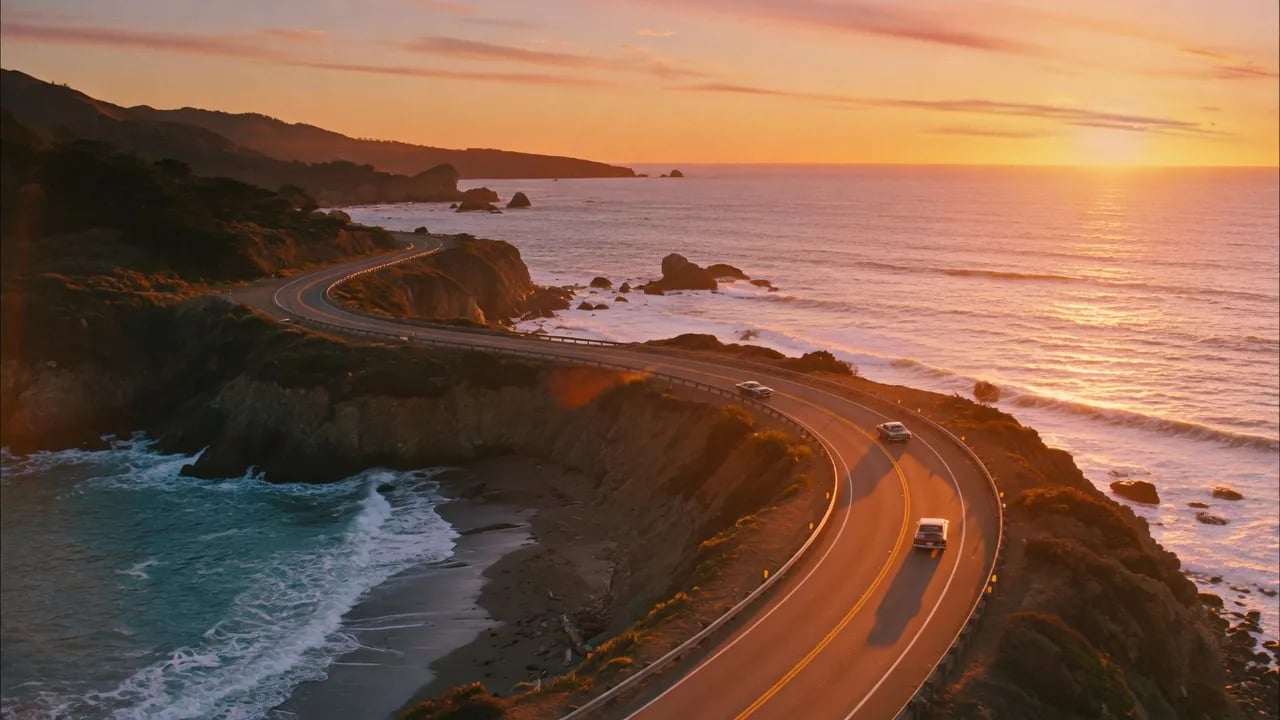
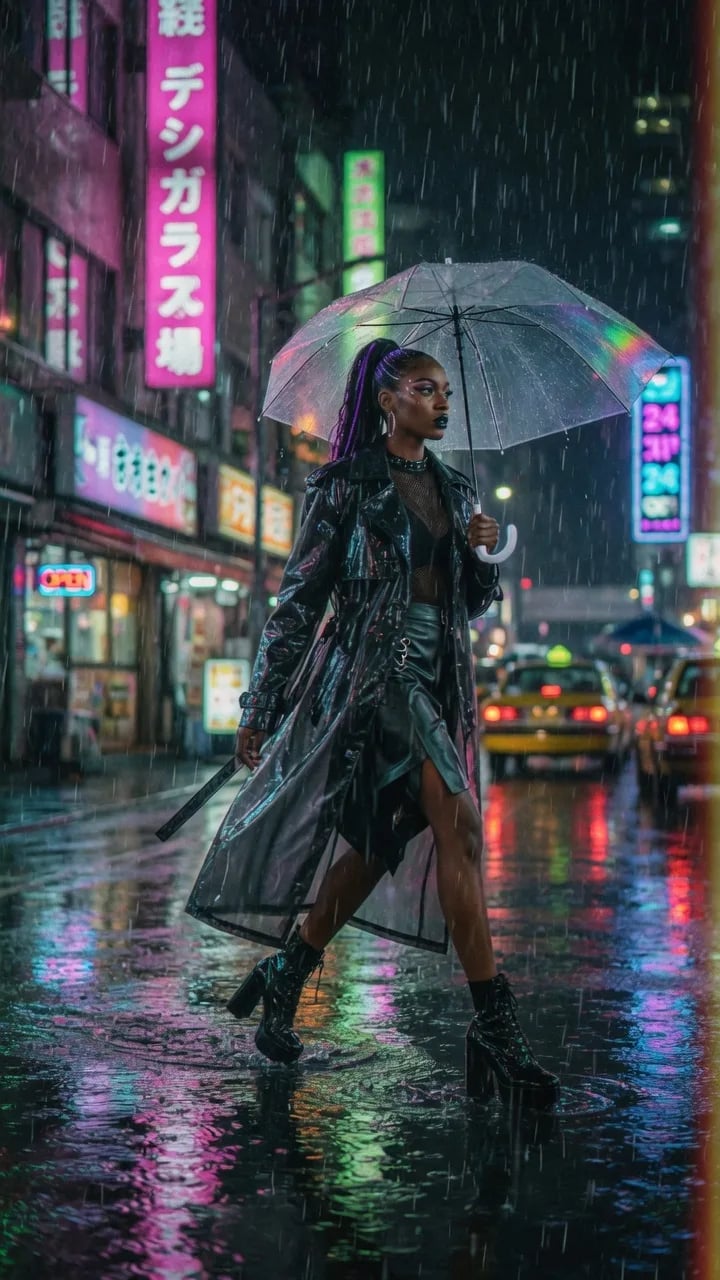
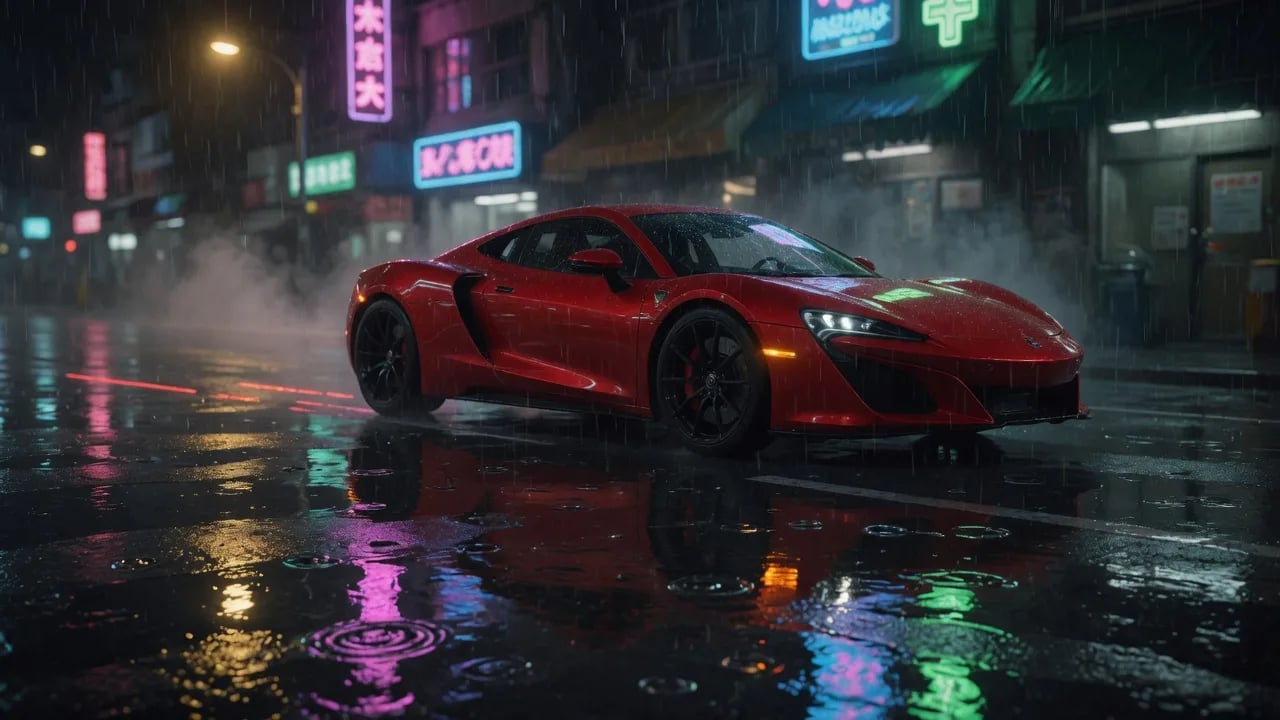
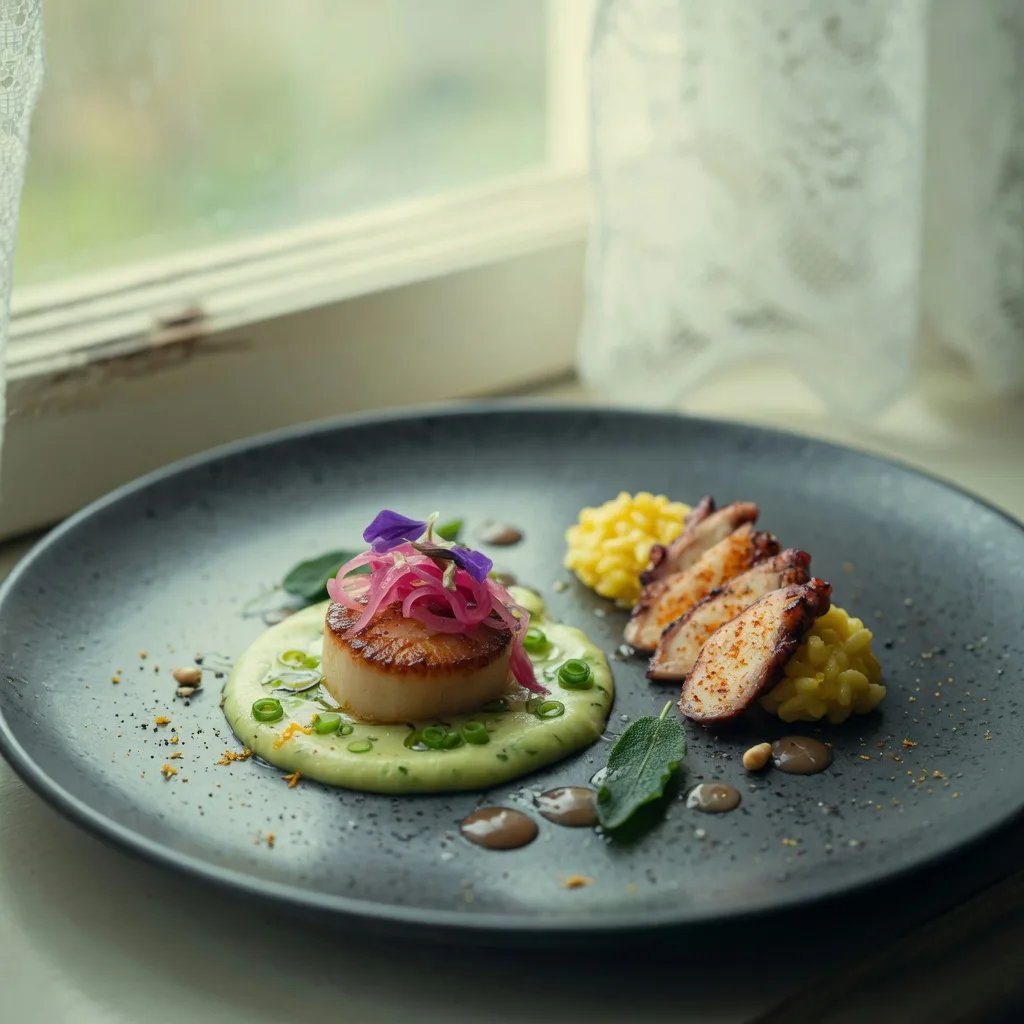
Sample looks you can recreate online
Cinematic travel, fashion, automotive, and lifestyle stills that pair well with text-to-video and image-to-video prompts.

What Nano Banana Pro AI Video Generator is built for
Nano Banana Pro AI Video Generator is our online workspace for short-form AI video. Write a prompt, or upload stills, then generate clips for social, ads, and creative drafts. Choose Veo 3.1 when you need polished cinematic output, or Grok Imagine when you want faster iteration. Everything runs in the browser—no GPU setup, no local install.
Text to video
Describe a scene and motion; get a short clip ready to preview.
Image to video
Animate product shots, portraits, and still concepts with controlled motion.
Model choice
Veo 3.1 for polish, Grok Imagine for speed and flexible ratios.
Ship faster
Generate, preview, and download without leaving the browser.
Why creators use Nano Banana Pro AI Video Generator
One place for short AI video drafts—from first idea to a shareable clip.

Model comparison
Veo 3.1 vs Grok Imagine
Pick the model that matches your deadline and quality bar.
| Capability | Veo 3.1 | Grok Imagine |
|---|---|---|
| Best for | Polished cinematic clips | Fast drafts and iteration |
| Typical duration | 8 seconds | 6 / 10 / 15 seconds |
| Resolutions | 720p / 1080p / 4K | 480p / 720p / 1080p |
| Credits (this platform) | 10 / 20 / 30 per clip | 1 / 2 / 5 credits per second |
| Aspect ratios | 16:9, 9:16, Auto | 2:3, 3:2, 1:1, 16:9, 9:16 |
| When to choose | Hero social and campaign polish | Quick tests and high volume drafts |
Credits are platform pricing on this site. Availability depends on the provider API.
Generate a clip in three steps
Keep the workflow simple so you can iterate without friction.
1. Choose text or image mode
Start from a written scene, or upload one or more stills for motion.
2. Pick model, ratio, and quality
Select Veo 3.1 or Grok Imagine, set aspect ratio, duration, and resolution.
3. Generate, preview, download
Run the job, review the clip in the panel, then save it to My Creations or download.
Capabilities that support real video workflows
Built for social teams, marketers, and creators who need short AI video without a heavy pipeline.
Dual generation modes
Text-to-video and image-to-video in the same generator.
Multiple aspect ratios
Landscape, portrait, square, and Auto (Veo) for platform placement.
Resolution control
Trade speed and cost for clarity as the brief gets more serious.
Duration options
Short clips for hooks and ads—up to 15s on Grok, 8s on Veo.
Multi-image references
Grok can take multiple stills (up to 7) for richer motion context.
History and downloads
Keep results in My Creations and download when you are ready to publish.
What teams notice first
Feedback clusters around speed of first draft and having two model tiers in one place.
I can test three hooks before lunch. Grok for drafts, Veo when a clip has to look campaign-ready.
nova.clips, Social Media Manager
nova.clips
Social Media Manager
Image-to-video is the time saver for product stills. We stop rebuilding simple motion in After Effects for first passes.
frame_lab, Creative Producer
frame_lab
Creative Producer
Having credits tied to resolution is clear. I keep 480p for tests and only bump quality for winners.
growth_reel, Performance Marketer
growth_reel
Performance Marketer
FAQ about Nano Banana Pro AI Video Generator
Straight answers for getting started online.
Try Nano Banana Pro AI Video Generator online
Open the generator with Veo 3.1 ready by default. Draft with Grok, polish with Veo, and ship short video without local setup.